
Listen to the articles you save.
Share a link from your browser or follow the blogs you read. Readastic reads each article aloud on your device, even with no signal, and highlights every word as it’s spoken.
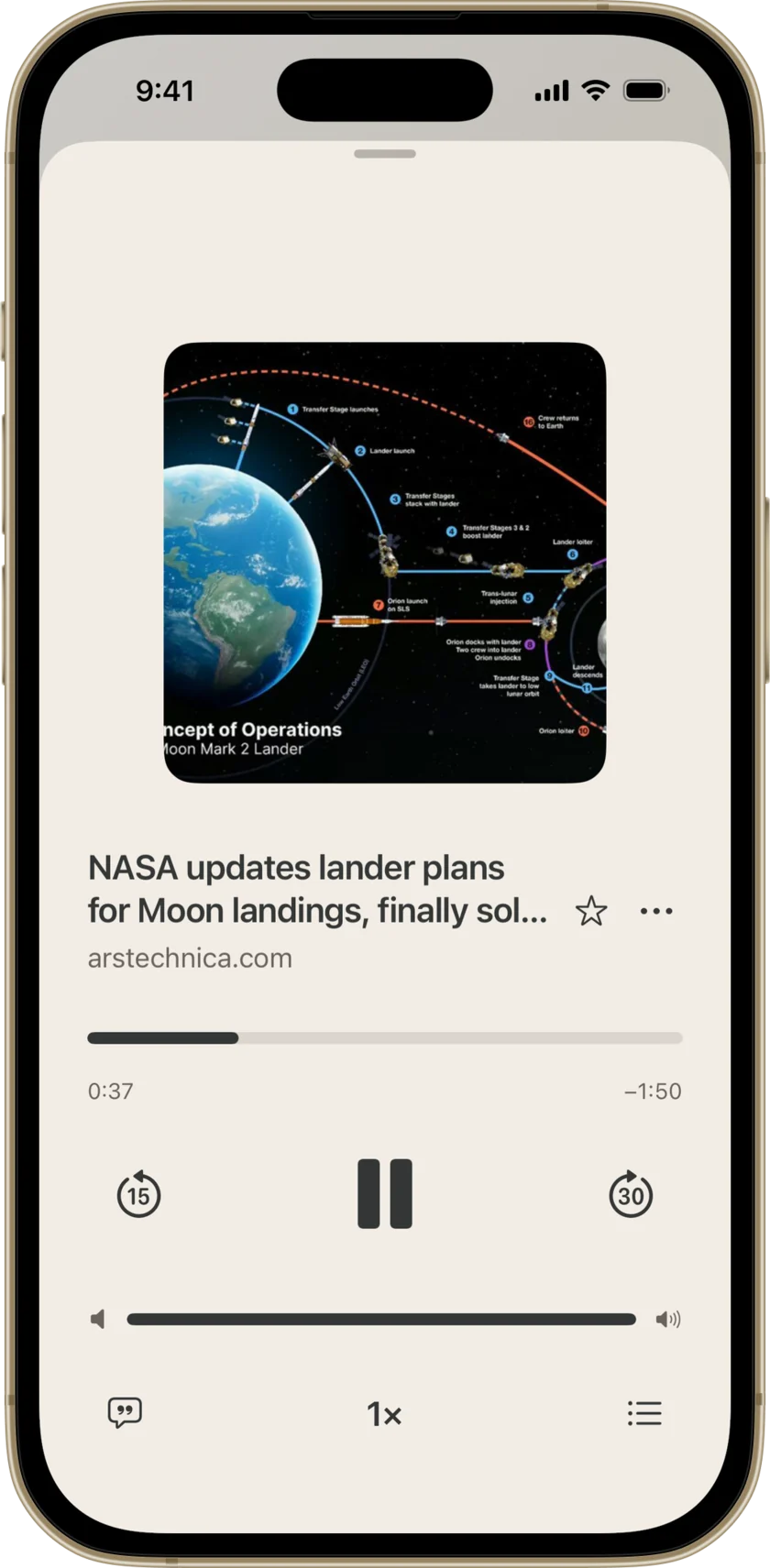
Read aloud, this page runs 3:17.
Save now.
Listen later.
Found a long read you don’t have time for? Share it from your browser and choose Readastic. The article text goes into your library without the menus and ads around it, and waits there until you tap Listen.
- Link
Share from your browser
Share an article and choose Readastic. The text is extracted on your device.
- Link
Paste a link
Paste an article link and check the text Readastic found before you save it.
- Feed
Follow a blog
Add a site or RSS feed. New posts appear under Followed blogs, ready to save.
- Web
Browse inside the app
Search the web without leaving Readastic and save the page you land on.
- File
Import a document
Choose a PDF, web page or text file from your files. Readastic pulls out the readable text.
- Image
Import a picture of a page
Printed text in the image is recognized on your device.
- Text
Paste your own words
Drafts, notes, a long email you keep putting off.
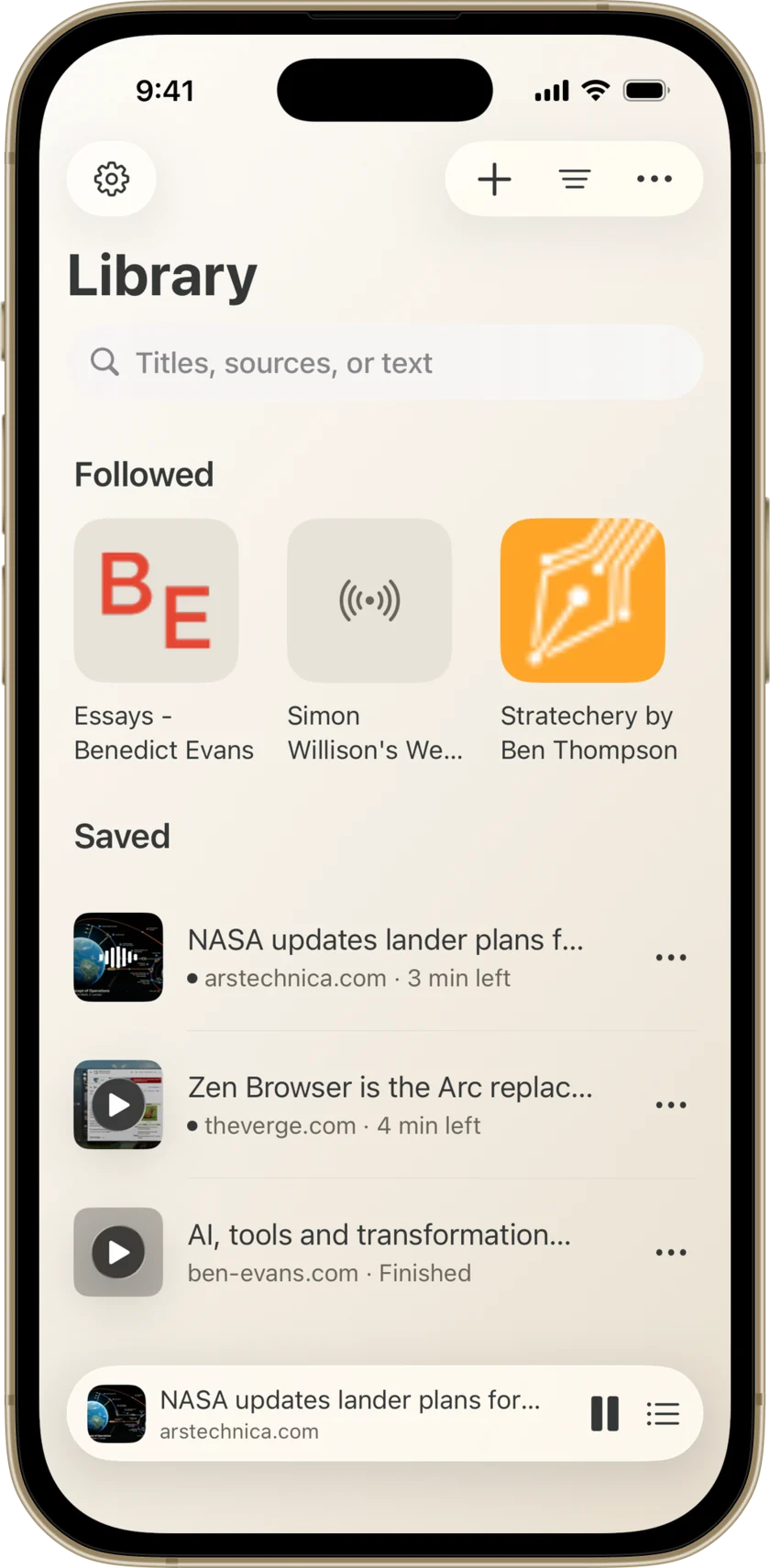
Follow the writers you read.
Add a blog by its web address or RSS feed. New posts collect under Followed blogs, and each blog can notify you when something new arrives. Save a post and it’s ready to listen to.
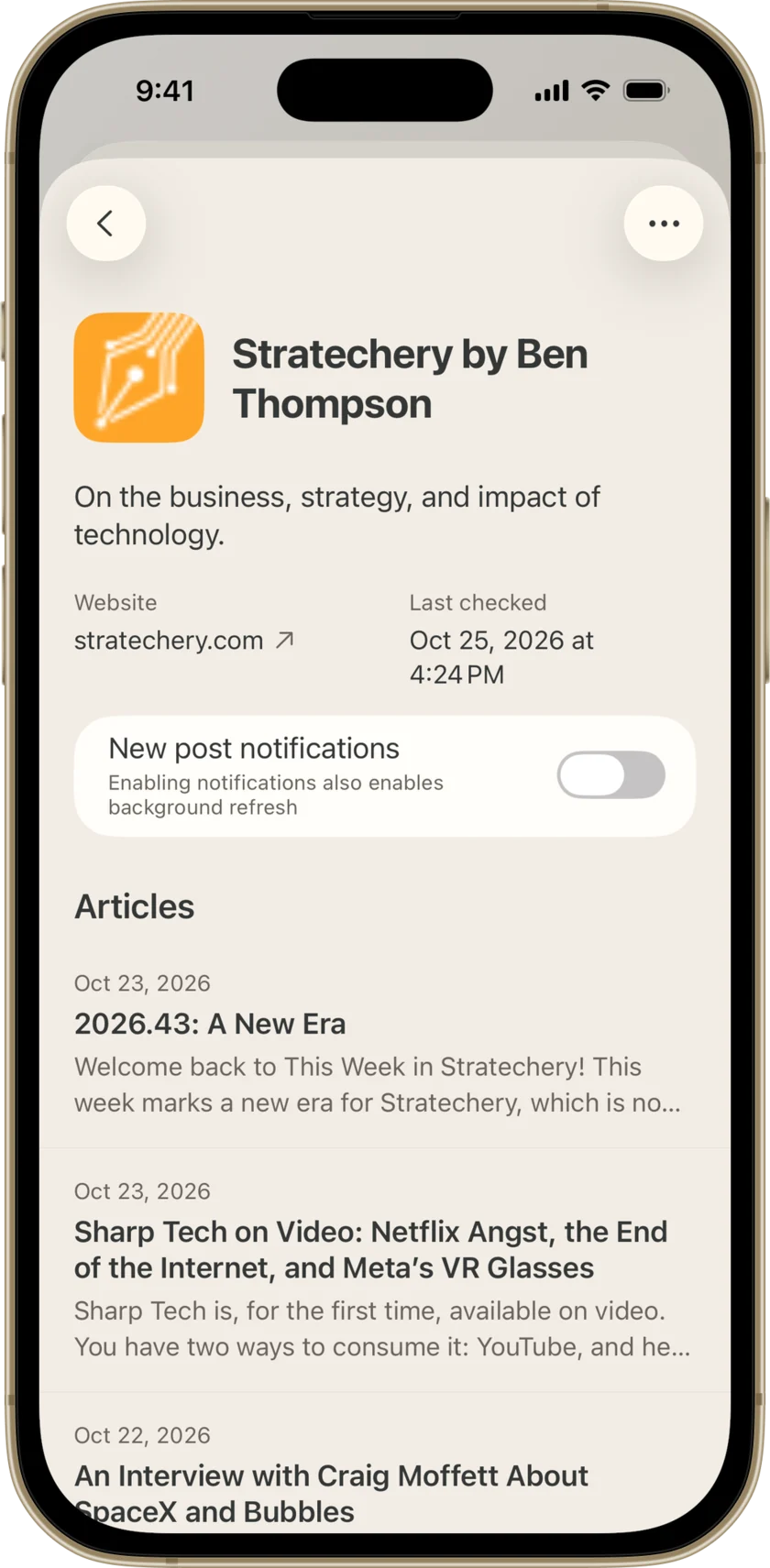
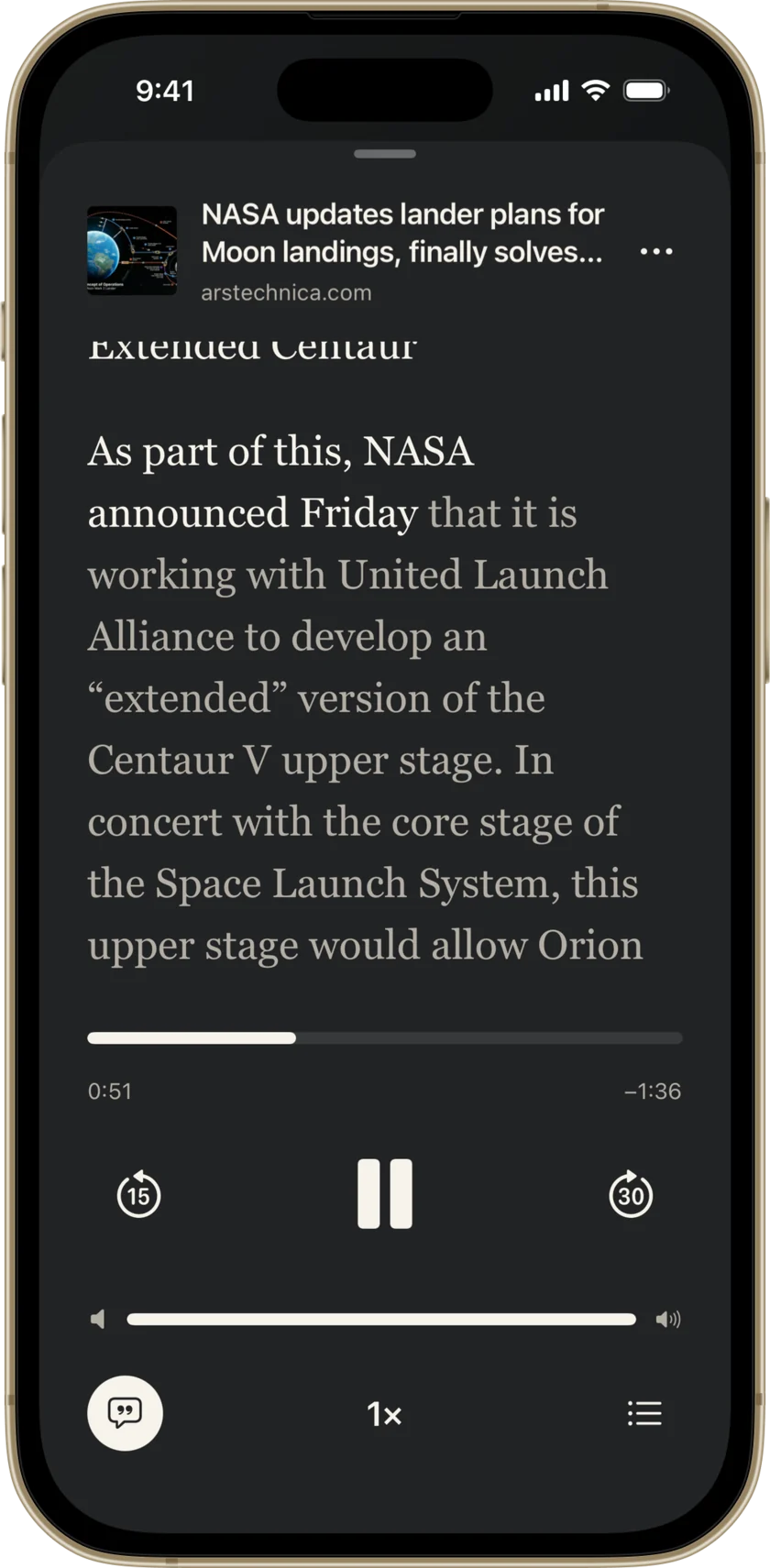
Follow every spoken word.
Each word lights up as the voice reaches it, and the rest of the page waits in grey. Missed a sentence on a busy street? Skip back 15 seconds, or tap a passage to hear it again.
Speed
0.5× for a dense essay, up to 3× for the news.
Skip
Back 15 seconds or ahead 30.
Resume
Each article picks up where you stopped.
Lock screen
Play, pause and skip without unlocking your device.
No signal? Keep listening.
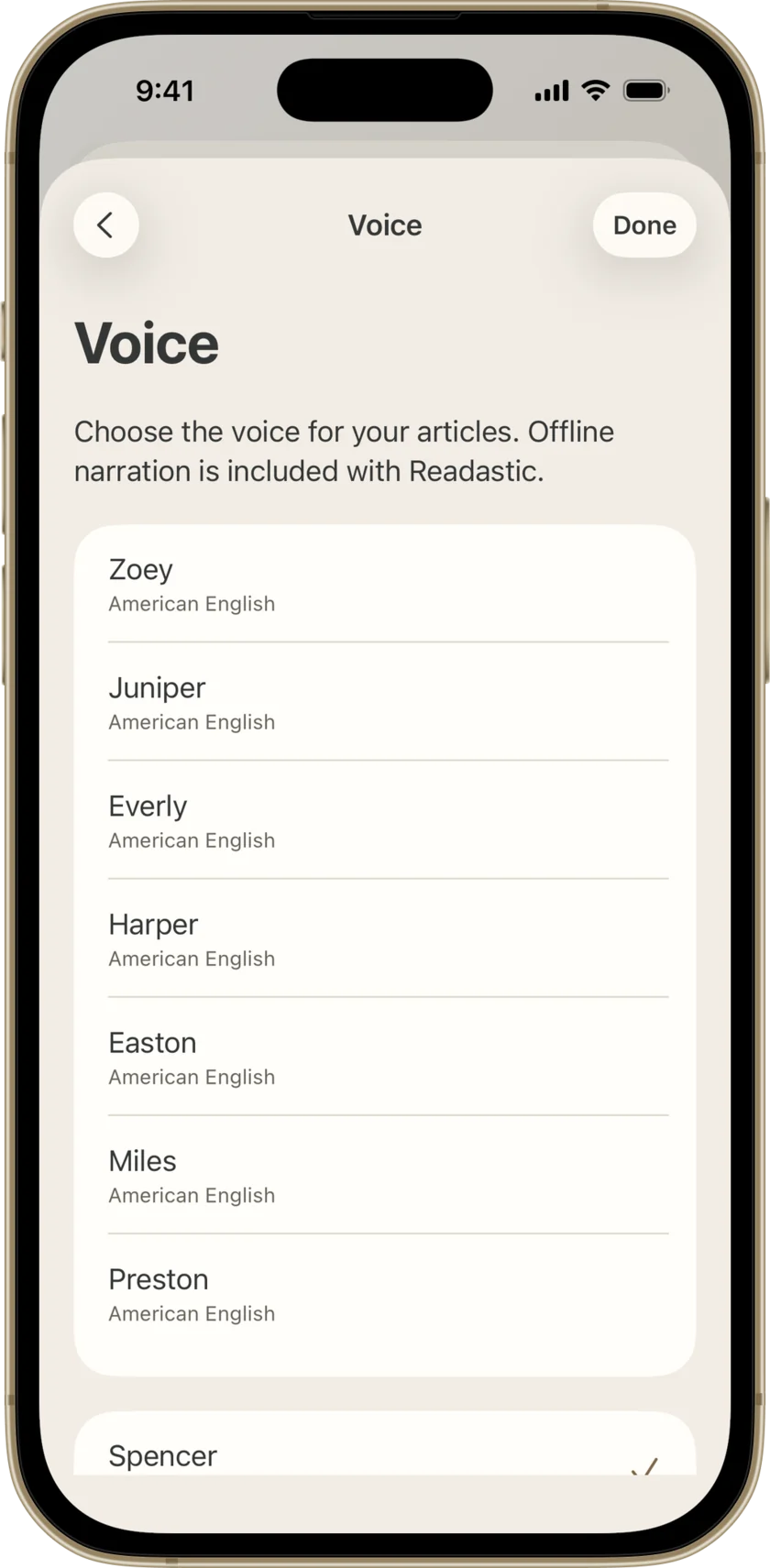
Readastic’s voices run on your device, so a saved article reads aloud on a plane, underground or with Wi‑Fi off.
Choose the voice you like in Settings. The voices come with the app, so there’s nothing to download.
- 0accounts to create
- 0bars of signal needed to listen
- 0Readastic servers holding your library
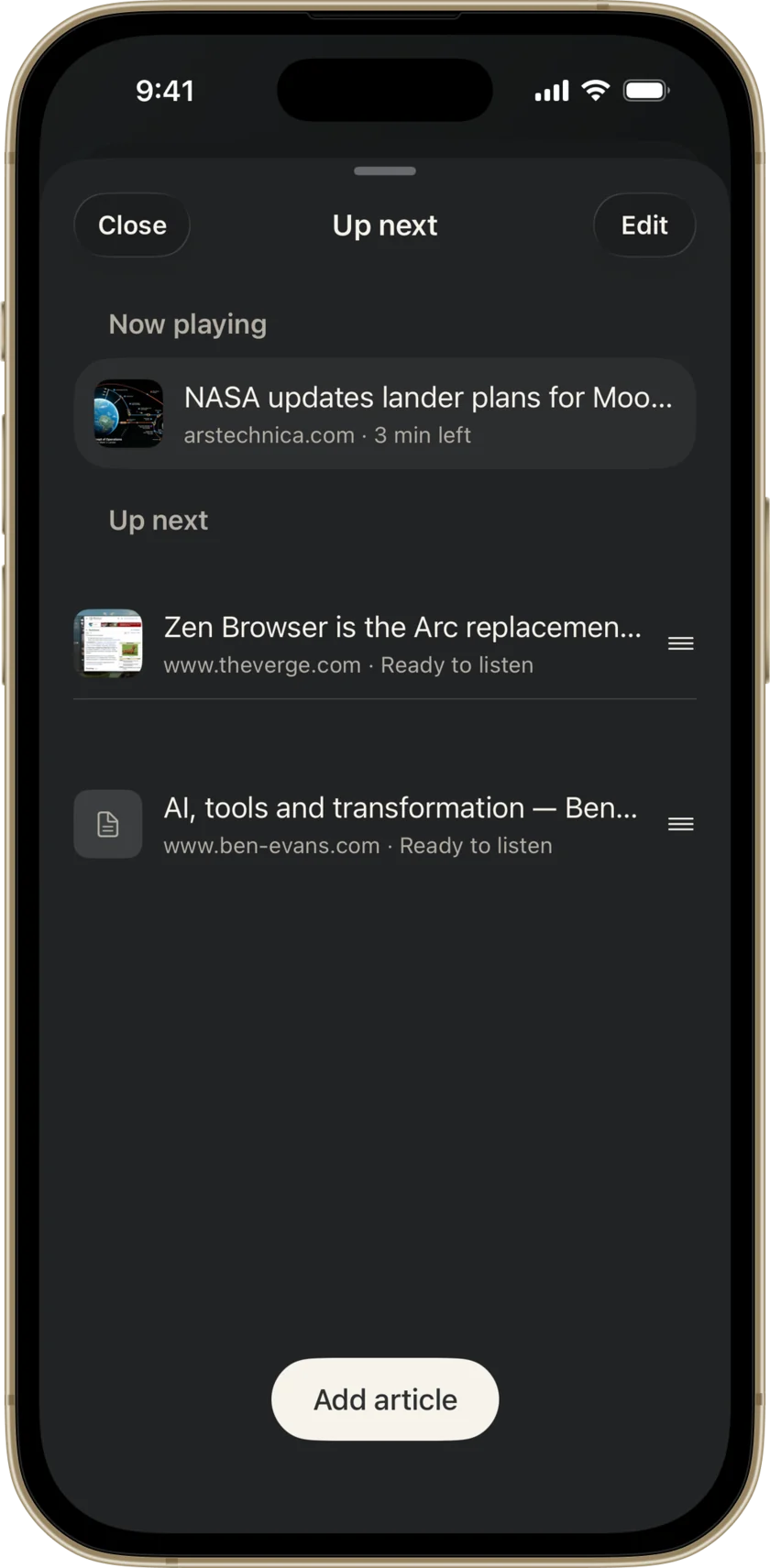
Line up your next good read.
Add articles to Up next and drag them into the order you want. If one doesn’t have audio yet, Readastic prepares it when its turn comes.
Your library lives on your device.
You don’t create an account, and we don’t run a server that stores your library. Readastic’s built-in voices narrate on your device.
Readastic sends app usage events and crash reports to Firebase unless you turn off Usage and diagnostics in Settings. The privacy policy lists every service the app contacts.
